Samsung Galaxy S26 FRP Bypass Complete Method 2026
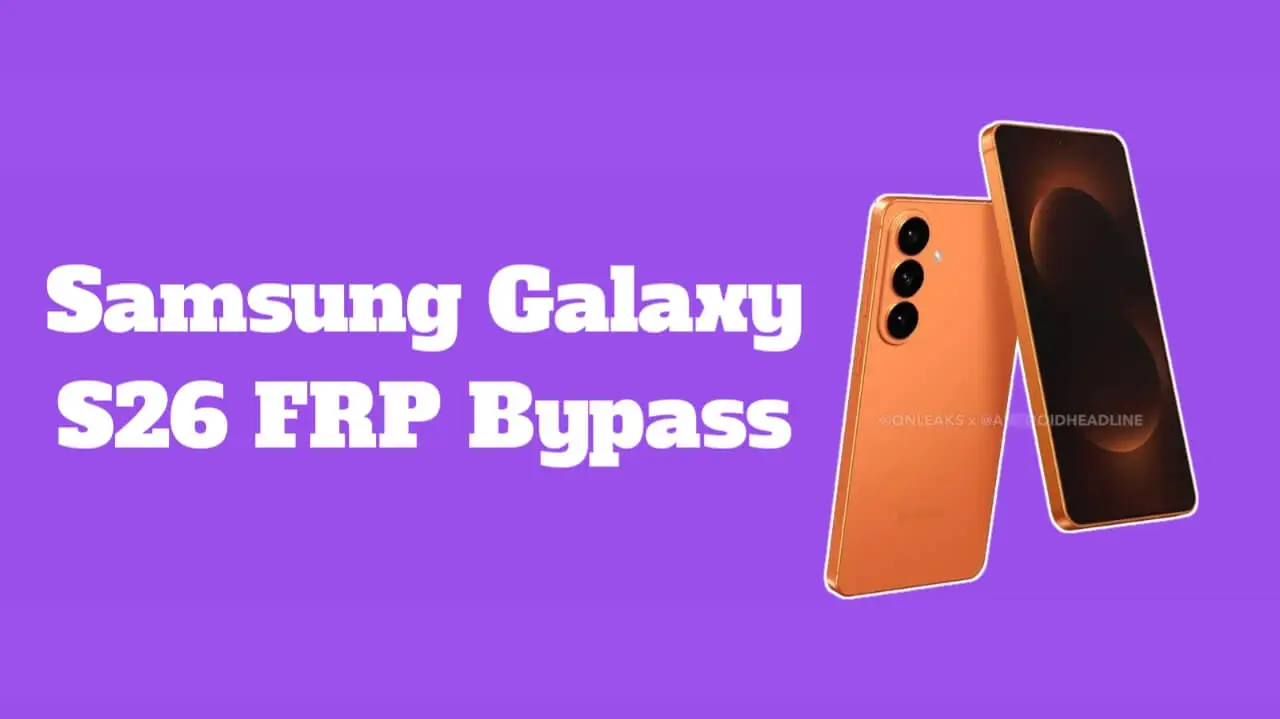
Samsung Galaxy S26 FRP Bypass Is a basic problem for mobile technicians because this S26 phone is coming with Android 15 so it would be little bit strick, but there’s multiple tools for fixing this issue quicky, basically this issue is coming when you factory reset your phone so when your phone start it requires your previous google account so when you forget your that google account then you can face this issue, so you must follow this article carefully then you can easily fix this issue
Basically FRP is know as Factory Reset Protection which is added by google on Android phones so if you rest your Samsung Galaxy S26 then phone will ask you to put your previously used Google account. This feature helps users to protect their device of it’s lost or stolen but sometimes real users also can forget thru google account details and get stuck on verification screen so then people look for safe and legal solution to unlock their own mobile
There is many tools with them you can easily bypass FRP lock (Factory Reset Protection) of your Samsung Galaxy S26 phone some of them are mentioned below
We recommended you to use Samfw tool for Samsung Galaxy S26 FRP Bypass because it’s easy to use and safe for users, with just one click only you can easily bypass your Samsung 26 phone frp lock, and more specifications are give below about this tool
Features of SamFw tool for Samsung Galaxy S26 FRP Bypass
If you want to know about features of this tool for unlocking your Samsung Galaxy S26 FRP Bypass then you must know about its useful functions
Samfw tool is coming with some useful features that make this tool popular for Samsung users, it has a clean and simple interface which is so easy to understand, this tool is supporting many Samsung models and android versions and it doesn’t requires any complicated command to use this tool, and Samfw is also providing devide information reading options. Those features are making this tool more helpful for troubleshooting on Samsung phones in repairing solution
Understanding about Samsung Galaxy S26 FRP Lock
Basically FRP lock is activating automatically if Google account is added in your phone so if you reset your phone without removing google account then frp lock appears so in Samsung Galaxy S26 this security is little bit strong and many users are can face this issue after resetting their phone that’s why frp unlock tools are searched by users.
What is SamFw tool and how it is helpful?
SamFw is a PC based tool which is used for Samsung devices and it’s designed to help users to manage their devices in firmware related tasks, if your device is stuck in frp verification then with the help of this Samfw tool you can easily unlock your device in couple of seconds, this SamFw tool is mostly used by mobile technicians and advanced users by their owner permissions.
Basic Overview of Samsung Galaxy S26 FRP Bypass by Samfw
When peoples are searching for Samsung Galaxy S26 FRP Bypass by Samfw they must usually need to understand is this tool is supporting this model, basically Samfw tool is working on a computer and it connects with phone using USB data cable, results may be depending on software version and mobile updates so that’s why users first need to check capability before trying any tools.
User friendly interface and Easy Navigation of Samfw tool
One of the best thing about Samfw is it’s user friendly design so even basic users can understand it’s layout and it’s Buttons are clearly labeled and it’s doesn’t have any confusional options so it helps users to avoid mistakes.
Compatibility With Samsung Galaxy Series
SamFw is knows because of it’s wide compatibility with Samsung Galaxy devices, Many Galaxy S and Galaxy A series models are Supported in this tool, for new model phones like Samsung Galaxy S26 compatibility is depending on it’s firmware and security patch. Users must always verify support before proceeding. Keep expectations realistic is important because new model updates can be limited tool functionality.
Requirements Before Using SamFw tool
Before Using SamFw you must know some basic requirements,
Downloading SamFw Tool Safely
For downloading SamFw tool you must always use trusted and office website and avoid unknown sources or modified versions from random websites. After downloading file you must scan file with antivirus software. Using official version will be stable and more safe.
Installing Samfw tool in PC
Installing Samfw tool in your PC or laptop is a simple process, after downloading file simply run installer and follow On-Screen Instructions carefully and choose installation folder to complete setup, once installing is completed simply open tool as administrator if it’s required, with proper insulation you will have smooth performance.
General Steps for Samsung Galaxy S26 FRP Bypass by Samfw tool
Basically this process is starting by connecting your Samsung Galaxy S26 phone to PC or laptop and USB debugging may be required it’s depending on firmware or security patch. This tool is detecting device automatically, simply select your relevant option which will be only available for supported models, this tool performs automated actions based on compatibility so you must always follow On-Screen Instructions carefully.
You may like this also: CapCut for PC Download
You should know about Limitations
SamFw tool may not work on all Samsung Galaxy phones because new security patches can limit these methods, understanding limitations helps to avoid disappointments.
Alternative Solutions for Frp lock
If Samfw is not supporting your device then there’s official option available, you can recover your Google account using Google recovery page. These official methods are safee and fully legal, users must always try official methods first.
Tips to avoid FRP lock in future
For avoiding FRP issues you must always remove Google account from your phone before factory resetting your device. Keep your account details safe and updated, add recovery email and phone number in your Google account.
Final Thoughts
Many propels are searching for Samsung Galaxy S26 FRP Bypass tools when their phone is stuck in frp lock so Samfw can be helpful if it’s supporting your device, or you can use official recovery method which will be safe and secure for your device